ARCHITECTURE, ENGINEERING & CONSTRUCTION

AI Orchestration for Complex Cross-System Construction Project Delivery

Connect changes, RFIs, submittals, schedule variance and closeout across project platforms, schedules, cost systems and email—so project managers, superintendents, designers and commercial teams can act from the same evidence.

The project is fully documented. The decision still has to be rebuilt.

RFIs and submittals live in the project platform, the schedule in the planning system, cost and payment in project financials, drawings and models in design tools and the CDE, and the field in daily logs, photos and progress capture. The expensive work begins when a change, a slipped activity, an RFI or a handover gate depends on evidence spread across several of them—and several companies—and a project professional has to reconstruct the case before anyone can decide.
Explore applications
A field condition, owner instruction, RFI response or revised sheet raises a potential change. Before the PM or commercial manager can take a position, someone has to find the governing revision and the one it superseded, the related RFI, the site photos and daily report, the subcontractor's quote, the affected schedule activity and whatever the owner already said in email. While that case is rebuilt by hand, work proceeds at risk, pending change exposure grows and the notice clock keeps running.
potential changePCOvariationwork at riskpending exposurenoticescope delta

Application Explorer

Select Category
CHANGE, PAYMENT & CLAIMS

Rebuild the change from RFI, revision, field and pricing—then let the PM set the position.

A potential change rarely starts as a clean change-order record. A field condition, owner instruction, RFI response or revised drawing raises it, and the team must establish what changed, which contract provisions apply, whether work has started, what it does to the schedule, what the trade has priced and whether the owner has authorised it. The cost system holds the PCO only once somebody has built that case.

CHANGE, PAYMENT & CLAIMSChange / Variation Evidence-to-Decision Blueprint
01Context

Reconstruct the potential change

Pull the triggering RFI or instruction, the governing and superseded revisions, field evidence, trade pricing, the affected schedule activity and the approval state into one change case.

Triggering RFI, instruction or revisionThe field condition, owner directive, RFI response or design bulletin that raised the change
Current vs superseded drawings & specsWhich revision governs and what changed between them
Prime contract & subcontract scopeScope clauses, amendments and notice provisions
Field photos, daily reports & inspectionsDigitally captured site evidence for the condition
Subcontractor quote & estimate backupTrade pricing, quantities and assumptions
Affected schedule activityActivity, float and milestone touched by the change
Change log, cost code & budgetPCO / variation status and current budget position
Correspondence & prior decisionsOwner and designer replies, earlier approvals and notices
02Workflow

From potential change to an authorised position

The PM or commercial lead sets the contractor position; the owner approves owner-controlled changes where the contract requires it.

  1. Potential change raised from RFI, instruction or revision
  2. Identify affected scope & governing revision
  3. Assemble field, pricing, schedule & contract evidence
  4. Flag missing, contradictory or superseded support
  5. Prepare change chronology & scope delta
  6. PM / commercial lead sets contractor position
  7. Route owner approval; update change & cost records
  8. Close with evidence, position & approvals kept
03Interaction

Commercial judgment stays with the project team

The change case arrives in the project engineer’s and PM’s queue with the evidence package, the gaps and the approval still required.

People
Project EngineerAssembles and verifies the field and design evidence
PM / Commercial ManagerSets the contractor position, pricing and notice
Owner’s RepresentativeApproves owner-controlled changes under delegated authority
Collaborates through
Systems & Surfaces
Project management platform / CDERFIs, drawings, change events
Cost & change management / ERPPCOs, budget and cost codes
Master scheduleAffected activities and milestones
Email, Teams & shared drivesOwner, designer and trade correspondence
Talk to us about this workflow →

Built around the project platform, schedule and cost estate you already run.

Orcaworks treats your project management platform or CDE, master schedule, lookahead tool, cost and change management or ERP, payment system, design documents and models, captured field progress, shared drives and email as the authoritative sources—and writes back only through permitted, configured interfaces. Read and write access is confirmed per system during discovery, not assumed.


ADP
Anthropic
Assistly
Azure AI
Ceipal
Freshdesk
Google Gemini
HubSpot
Intercom
Microsoft Dynamics 365
Microsoft Teams
MuleSoft
OpenAI
Oracle
Outreach
Salesforce
SAP
ServiceNow
Slack
Workato
Workday
Zapier
Zendesk
Zoom
HOW ORCAWORKS FITS

Close the cross-system loop the project platform, schedule and cost system leave open.

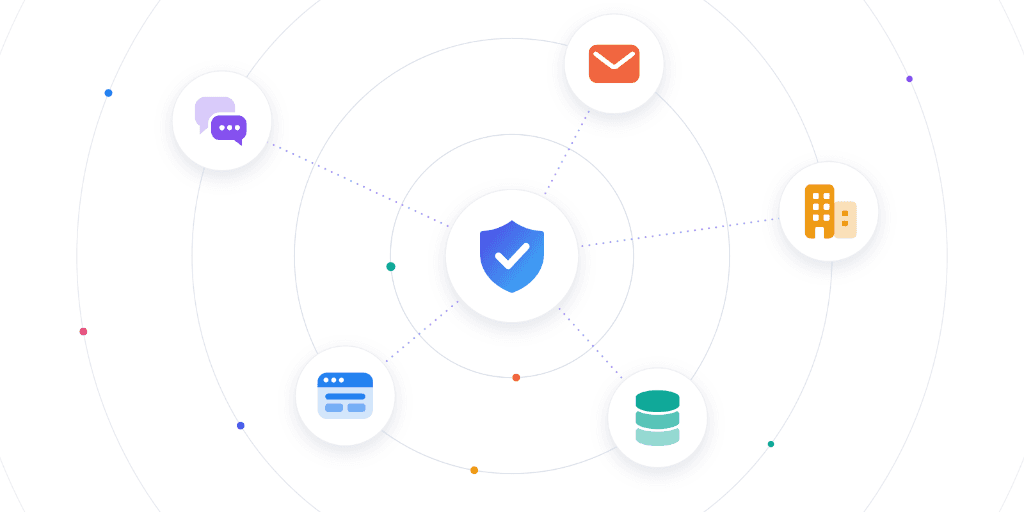
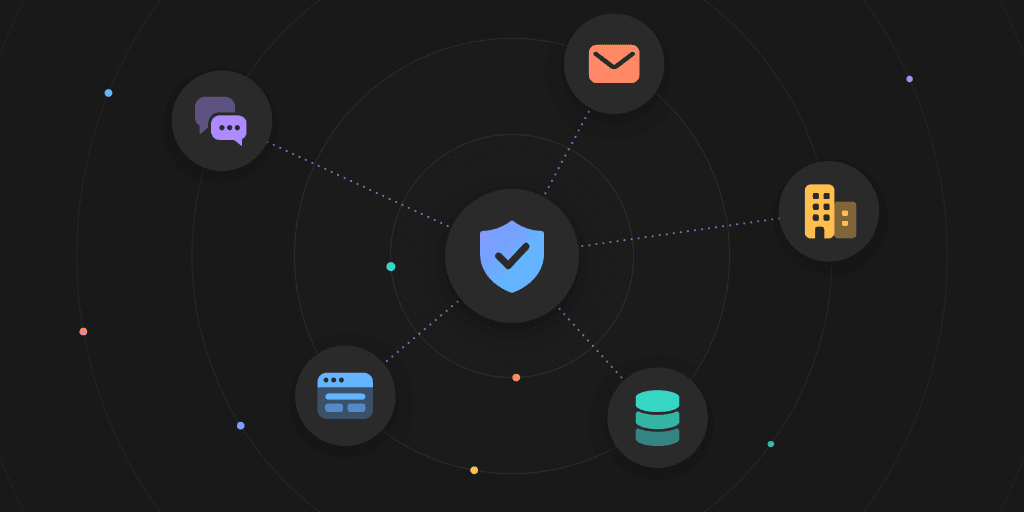
Orcaworks is not another CDE, RFI log, scheduling engine, clash detector, progress-capture tool or payment platform. It sits around the installed estate and does the case work that remains when a decision depends on records held by several systems and several companies.
YOUR SYSTEMS STAY AUTHORITATIVE

The project platform, schedule and cost system remain the records of truth.

The CDE owns the RFI and revision, the planning system the activity, the ERP the PCO. Orcaworks works the case around them and writes back only the authorised change.
A CASE AROUND THE PROJECT OBJECT

Every change, RFI, submittal, activity and deliverable gets its evidence together.

The superseded sheet beside the governing one. The vendor’s email beside the submittal. Orcaworks builds the chronology, keeps the source and revision, and requests what is missing.

NAMED DECISION OWNERS

Designers, superintendents, PMs and owners keep the consequential calls.

Orcaworks compares, requests and prepares within policy. The architect answers the RFI, the superintendent resequences, the PM sets the position, the owner approves the change.

A DEFENSIBLE RECORD

Every closed case keeps its evidence, decision and write-back.

Revisions used, evidence requested, contract clause applied, who decided, what changed—retained per case so the record can defend a change, a payment or a claim later.

INDUSTRY RESOURCES

Go deeper on construction project delivery.
A two-page brief for the project executive or commercial sponsor and a detailed guide for the PMs, superintendents, project controls, document control and commercial leads who own the queues.
Architecture, Engineering & Construction — Executive Brief
2-PAGE VERTICAL BRIEF

Architecture, Engineering & Construction — Executive Brief

Why cross-system project decisions stay slow after the CDE, schedule and cost systems are in place; the top four workflows from change evidence to cross-platform RFIs; and how to baseline the first one before setting a target.
Architecture, Engineering & Construction — Use-Case Guide
USE-CASE GUIDE

Architecture, Engineering & Construction — Use-Case Guide

The same eight applications in operating detail: trigger, evidence, decision owner, permitted system action, incumbent boundary and workflow metric for change, closeout, plan-vs-actual, RFI, submittal, claims, pay-app and revision-impact cases.
GET STARTED

Bring us one queue. Potential changes are the usual first.

Start with a set of recent potential changes or variations—their RFIs, revisions, field evidence, schedule and cost records and the change log. We’ll baseline change-identification-to-disposition and show how Orcaworks turns it into a governed case with an explicit position and approvals.